How to Play 2 Player Games on One Computer
Published
There are four ways to play two players on one computer. Split the keyboard, take turns, add a controller, or stream the game to a friend with Steam Remote Play Together. For kids and quick games, splitting the keyboard or taking turns is free and needs nothing extra.
What You Need
- Most shared keyboard games put Player 1 on WASD and Player 2 on the arrow keys
- Cheap keyboards can drop keys when both players press at once, so test first
- Taking turns, also called hot seat or tag team, never has that problem
- A plugged in controller works in many browser games and most PC games
- Paid couch co op games cost money, and most free portals run ads
The Four Ways to Share One Computer
We build browser games for families, so we get this question a lot. Two kids, one laptop, one rainy afternoon. The table puts each option side by side.
| Way | What you need | Extra cost | Best for |
|---|---|---|---|
| Split the keyboard | One keyboard, a game with two control sets | None | Quick arcade and sports games |
| Take turns | Any game, or one with a tag team mode | None | Little kids, small laptops, puzzles |
| Add a controller | A USB or Bluetooth gamepad | The price of a controller | Platformers and PC co op games |
| Remote Play Together | Steam, a supported game, a second device | The game, bought once by the host | Friends who are not in the same room |
Way One. Split the Keyboard
This is the classic. Player 1 sits on the left and moves with W, A, S and D. Player 2 sits on the right and uses the arrow keys. Some games give each player one or two more keys near their hand for jump or action.
CrazyGames says on its own 2 player games page that dual controls are the most common way to play these games, and that one player may use the mouse while the other uses the keyboard. That mouse plus keyboard split is worth trying when four hands on one keyboard feels cramped.
Nobody on the big game lists mentions this problem. Keyboards are not built to read every key at once. When three or four keys are held together, some presses just do not show up. Gamers call this ghosting. Microsoft's keyboard ghosting demo says even the simplest keyboard design has thousands of 3 key combinations that do not work. That is still less than 5% of all 3 key combos, but two players mashing at once will find them.
Test before the tears start. Open that Microsoft demo, hold W, A, S and D, then press the arrow keys one at a time. If an arrow does not light up, that keyboard will drop Player 2's moves in a fast game.
Two fixes work. Plug a second USB keyboard into the same computer and give each player their own. Or pick a game where players take turns, which brings us to the next way.
Way Two. Take Turns
Turn taking is called hot seat in strategy games and tag team in action games. Only one person plays at a time, so there is no ghosting, no elbows, and no fight over which side of the keyboard is better. It is the best way for a parent and a small kid to share one screen.
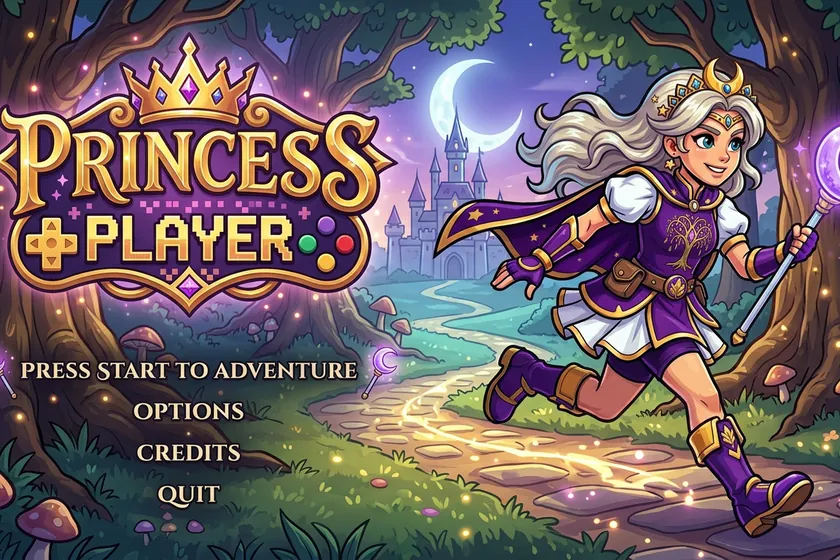
Our own platformer, Princess Genevieve's Quest, works this way. We checked the game's code for this post. Pick 2 Players (Tag Team) and each player gets three hearts. When one princess runs out of hearts, the screen calls the next player up and the other princess takes over right where she fell, with the same power ups. Both players use the same keys, so the keyboard just slides over. Arrows or WASD move, Space jumps, and X or F shoots.
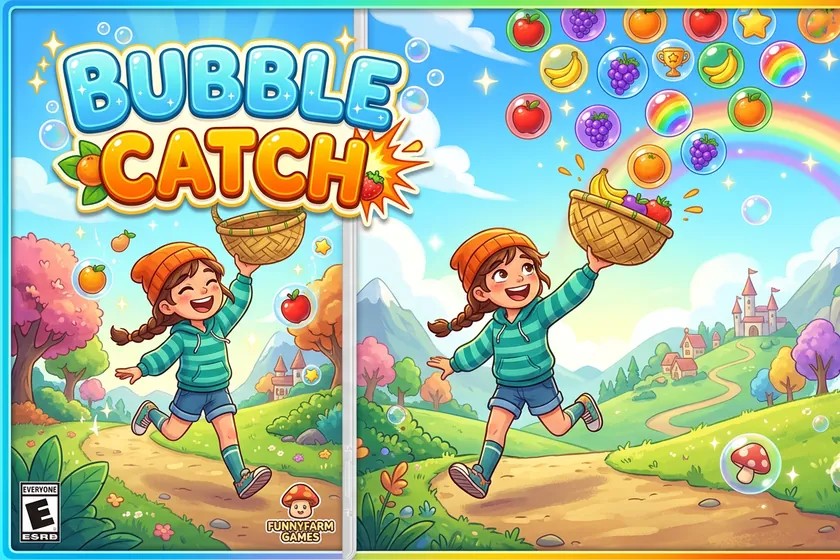
Any one player game can be a turn game too. In Bubble Catch you slide a basket with the mouse or the arrow keys to catch falling fruit. Pass the mouse after each level and see who gets further. Puzzle games like Runeshatter work the same way. One board each, then compare.
Way Three. Add a Controller
A gamepad gives the second player a real seat. Many PC games let Player 1 use the keyboard while Player 2 uses a controller, or let two controllers play side by side.
Browser games can do this too. The Gamepad API on MDN is the tool web pages use to read game controllers, and MDN lists it as widely available across browsers since March 2017. It is up to each game to use it, though. Check the game's controls screen before you buy a controller for one game.
Two tips. Plug the controller in and press a button on it once the game is open, so the game can see it. And if the second player is small, a controller is easier on little hands than reaching across a keyboard.
Way Four. Steam Remote Play Together
This one stretches the rule a little. The game runs on one computer, but the second player can sit in another room or another town. Steam's Remote Play page says one player owns and runs the game, then up to four players, or more with fast connections, can join. Steam calls it free, and it streams video, audio and voice between players.
It only works with games that support it, and Steam's own page says the number of players depends on connection speed. For a sibling across the room, sharing the keyboard is simpler. For a cousin across the country, this is the way to share a local co op game.
Free Browser Games or Paid PC Games?
Most top results for this search are lists of paid games. WIRED's couch co op list, last updated September 18, 2023, prices its picks from $15 to $70. Some of those games do not even work on one PC. WIRED notes that Diablo IV couch co op is only supported on consoles.
Free browser games cost nothing, but most free portals pay for themselves with ads. When we loaded the CrazyGames 2 player page in October 2026, its code included ad slots and an ad auction script. Ads in a kids game mean pop ups, links out, and a lot of waiting. Our guide to playing games without ads covers how to find the clean ones.
A Five Minute Setup Checklist
- Pick the way first. Same room and fast action means a split keyboard or a controller. Small kids or puzzles mean turns.
- Run the ghost test. Hold WASD and press each arrow key in Microsoft's demo. If any arrow drops, add a second keyboard or switch to turns.
- Read the controls screen. Look for words like 2 Players, Tag Team, Local or Same Device.
- Seat the players. Player 1 on the left for WASD, Player 2 on the right for the arrows. Turn the keyboard a little toward the middle.
- Wake up the controllers. Plug them in and press a button on each one once the game is open.
- Check for ads and purchases. If a free game keeps asking for money, see our guide to games without in app purchases.
What Other Pages Miss
They answer a different question. Search for 2 player games on one computer and you get forum threads, a store page and lists of paid games, some of them console only. They tell you what to play. They skip how to share one keyboard without someone losing their moves, which is the part that ruins game night.
Start with a free game that takes turns. If the kids want to play at the same time, test the keyboard. If it drops keys, add a second keyboard or a controller before you spend money on a new game.
Short Questions
Can 2 people play on one keyboard?
Yes. Many games put Player 1 on W, A, S and D and Player 2 on the arrow keys. Test your keyboard first, since some cheap keyboards miss keys when both players press at once.
Why do some keys stop working when we both press at once?
That is called ghosting. Basic keyboards cannot read every combination of keys held together. Microsoft says even the simplest design has thousands of 3 key combinations that fail. A second keyboard fixes it.
What is a hot seat or tag team game?
It is a two player mode where players take turns on the same controls. In Princess Genevieve's Quest, when one princess runs out of hearts, the second player takes over.
Do both players need to own the game for Remote Play Together?
Steam says one player owns and runs the game, and up to four players, or more with fast connections, can join. The game has to support Remote Play Together.
Are there free 2 player games without ads?
Yes, but they are harder to find, because most free game sites run ads. VanillaBits games are free with no ads and nothing to buy, and Princess Genevieve's Quest has a two player tag team mode.
Which game is best for 2 players on one computer?
For kids, a turn based or tag team game is best, because nobody fights over keys. For older players with a good keyboard or controllers, a game with two control sets lets both play at the same time.
Follow VanillaBits in Google Search
Supporting Links
- Microsoft Applied Sciences, Keyboard ghosting interactive demonstration, accessed October 2026
- Steam, Remote Play, accessed October 2026
- MDN Web Docs, Gamepad API, accessed October 2026
- WIRED, 40 Amazingly Addictive Couch Co-Op Games, updated September 18, 2023
- CrazyGames, 2 Player Games, accessed October 2026
Also on the Blog
VanillaBits is a small ad free arcade made in Hemet, California. Every game is free to play in your browser.